Panimate
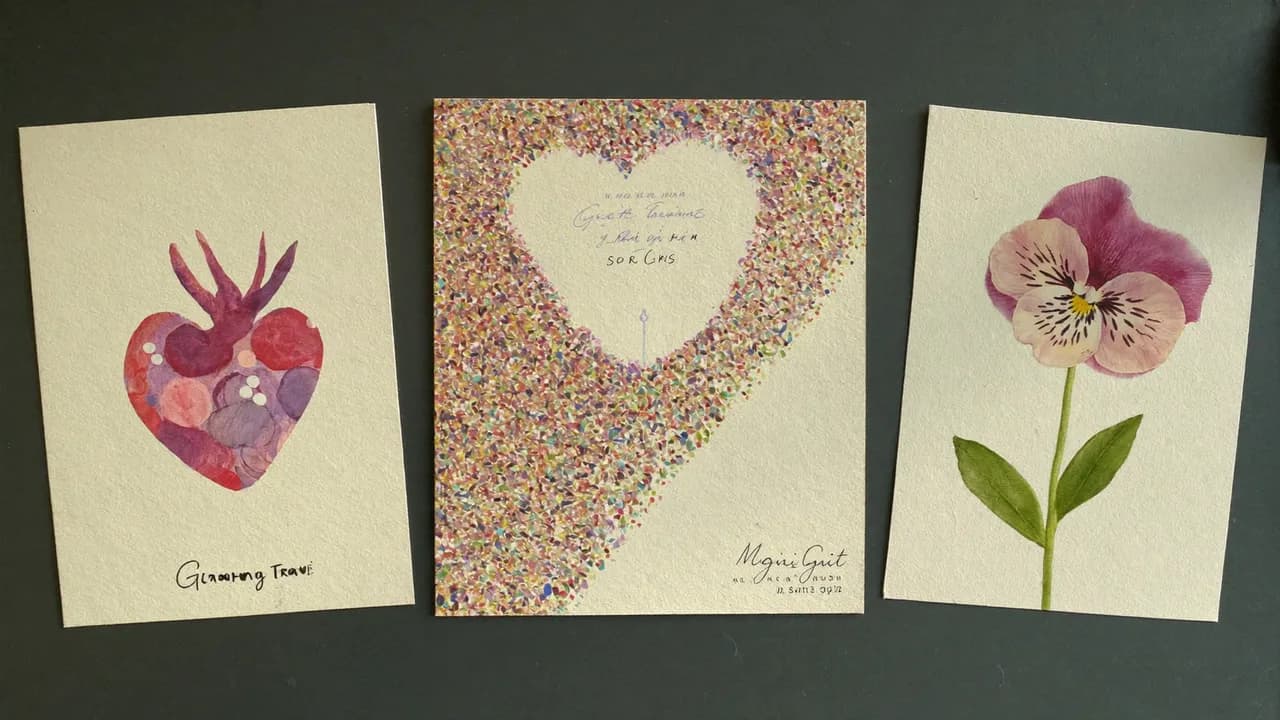
The right greeting depends on what you want to send. A few words in your own voice, a funny video starring your family and a group tribute are different gifts.
This guide compares the formats described on each provider's website. It is not a hands-on ranking, and prices or features can change. Check the provider's current terms before paying.
A short personal message
Panimate offers an animated card preview with a personal message and voice options. Preview the result before sharing. The pricing page separates the free preview from manually fulfilled custom cards; online paid checkout is not live.
If your voice is the part that matters, listen to the complete preview. Check the saved link on another device before sending it.
A funny personalized ecard
JibJab presents video ecards starring you, family or friends, organized by occasion. Look through the birthday examples if your recipient enjoys a joke or performance.
A birthday video you edit yourself
Canva's birthday video maker provides templates and a route into its editor. Start here if you want to arrange the design yourself. Check whether your selected template, music and export require payment.
A gift from several people
VidDay describes a group-video workflow: invite contributors with a link, collect their messages, then arrange the finished gift. Allow time for people to contribute before the occasion.
Before you choose
Watch an example that resembles what you want to make. Check whether the recipient needs an account, whether you can save a file, and when payment is required. A free preview may have different limits from the final download.
For voice cards, ask whether the tool uses your original recording or generates a voice. For a private message, review who can open the recipient link.
Try a Panimate birthday card preview, or read a short voice-recording guide before recording.